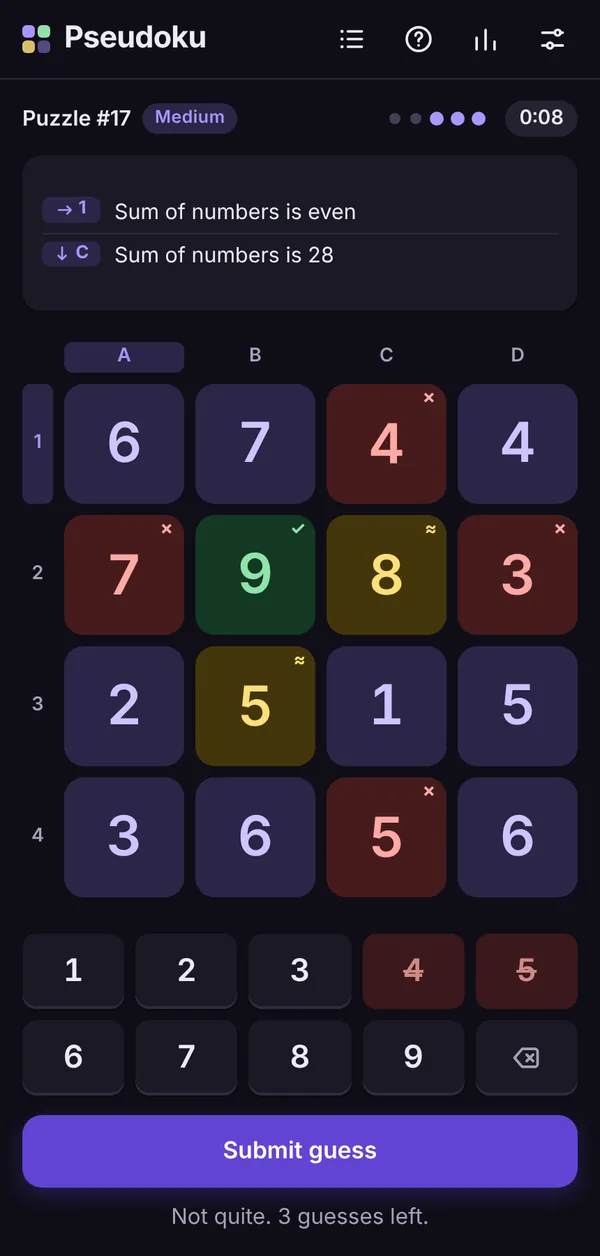
Daily puzzle
Pseudoku
A daily logic puzzle: fill a 4×4 grid so every row and column matches its clue, in five guesses or fewer.
An on-page SEO inspector for Chrome: indexability, snippets, issues, and AI crawler access for the page you’re on.
What it is
Open SEO Fetcher on any page and it answers the questions I ask on every audit: can this page be indexed, how will it look in Google and when someone shares it, what’s broken, and which search and AI crawlers are allowed in.
Everything runs in your browser. There’s no account, no server, and no tracking.
At a glance
SEO Fetcher
Features
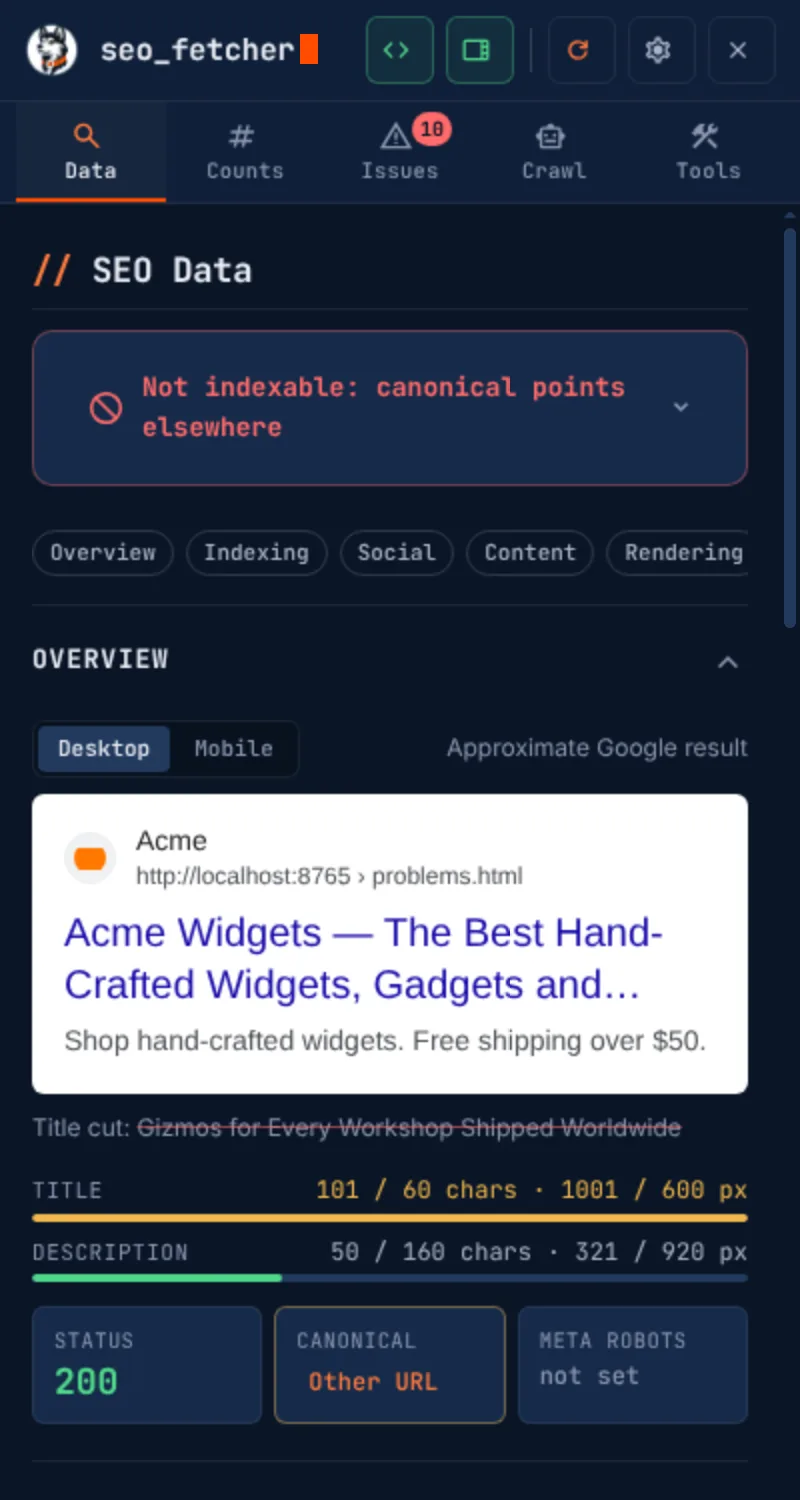
The toolbar icon shows I, N or C on every page (indexable, noindex, or canonicalised elsewhere), and the Data tab gives the reason: status code, robots directives, canonical, robots.txt.
Desktop and mobile Google snippets cut where Google cuts them, with character and pixel meters, plus Facebook, LinkedIn and X share cards.
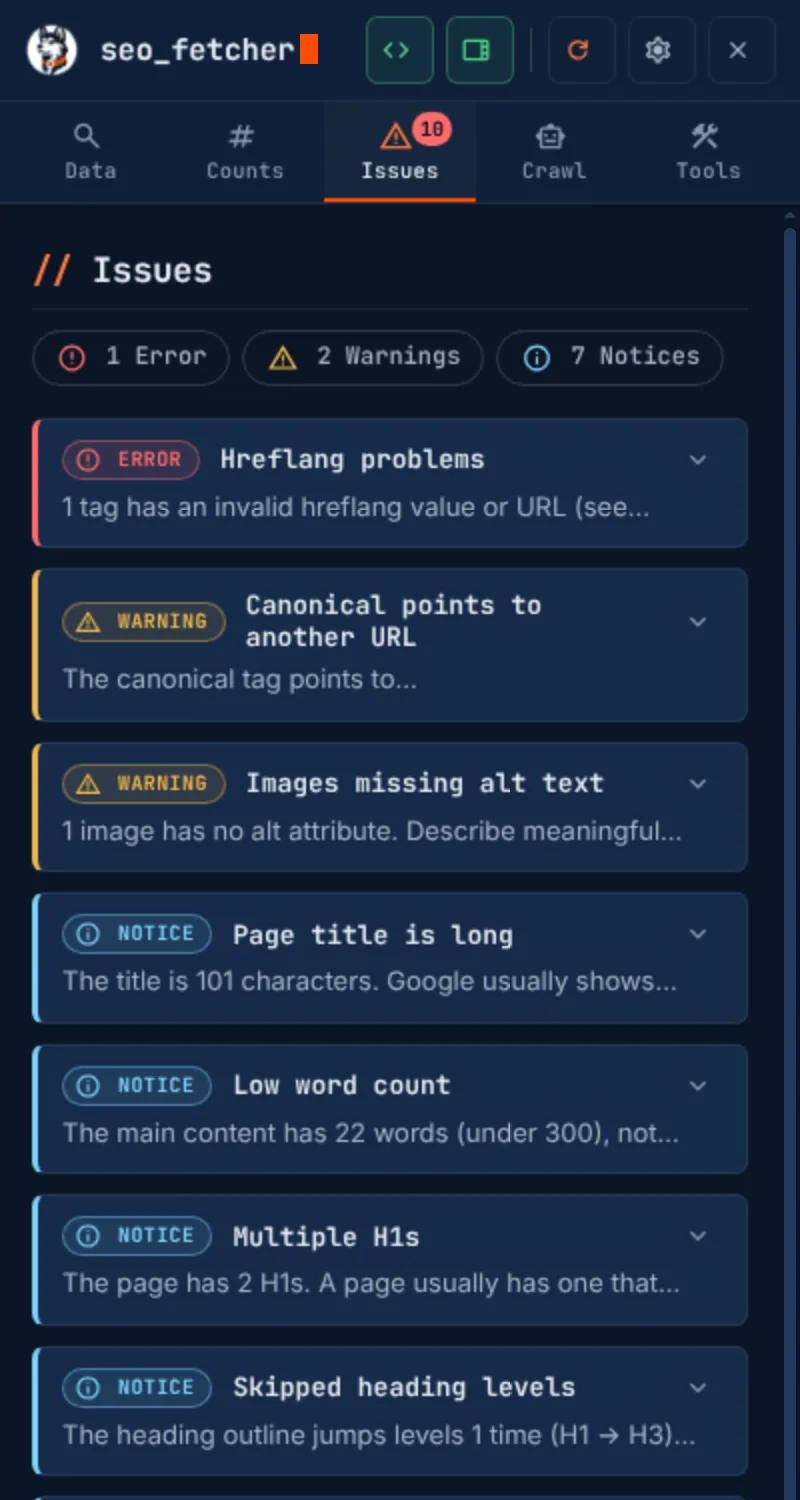
Sorted errors first, each explained with the page’s own numbers. Mute a check for one site or everywhere.
robots.txt rules for search engines, AI search, AI assistants and AI training crawlers, matched the way Google matches them, plus llms.txt and hreflang validation.
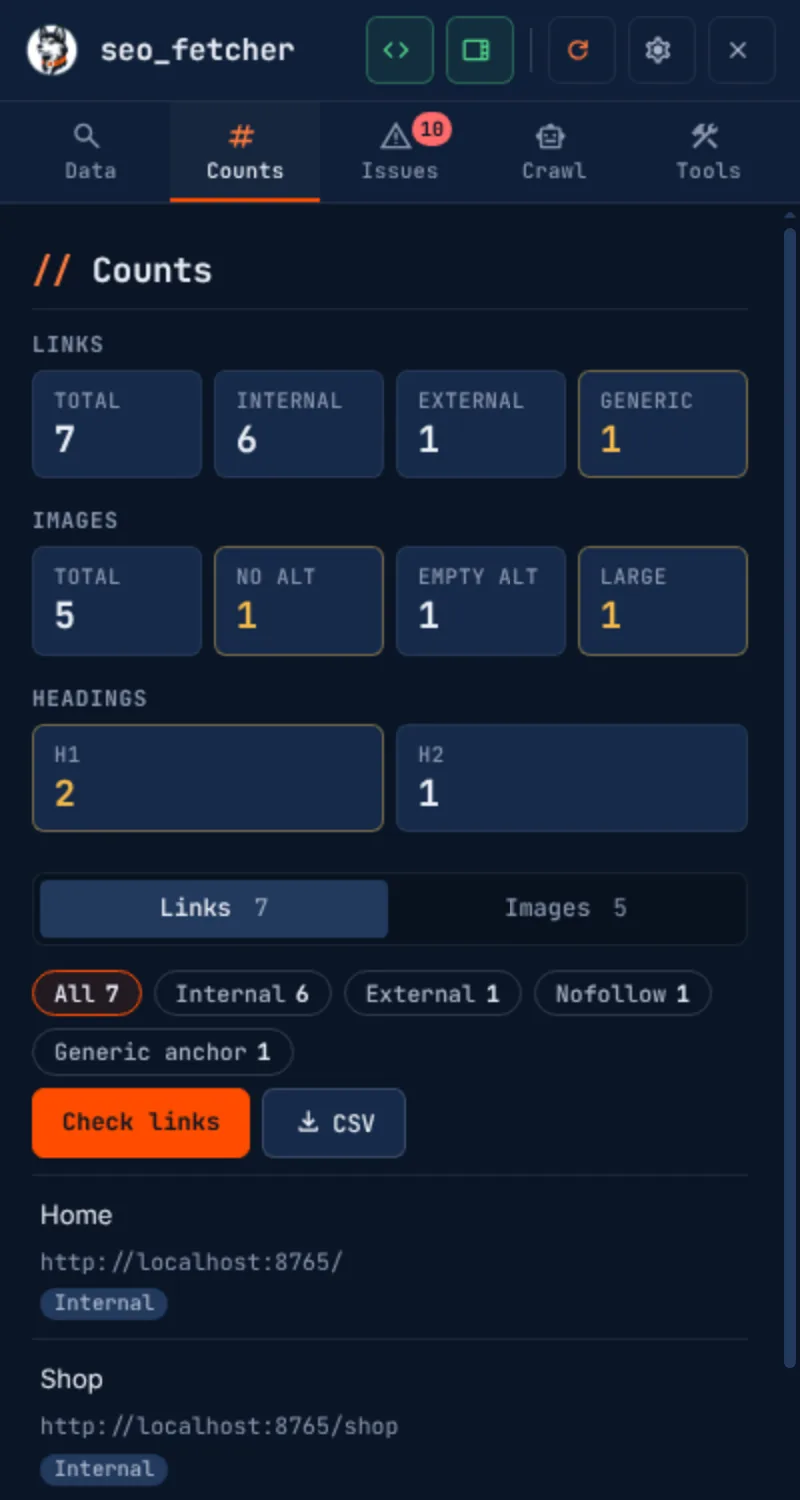
Counts and full lists with nofollow and generic anchors, alt text, image sizes and the LCP image. Both export to CSV.
A JavaScript toggle, copy the page as Markdown, PageSpeed and Wayback quick links, saved RegEx for Search Console and GA4, and keyboard shortcuts.
Screenshots
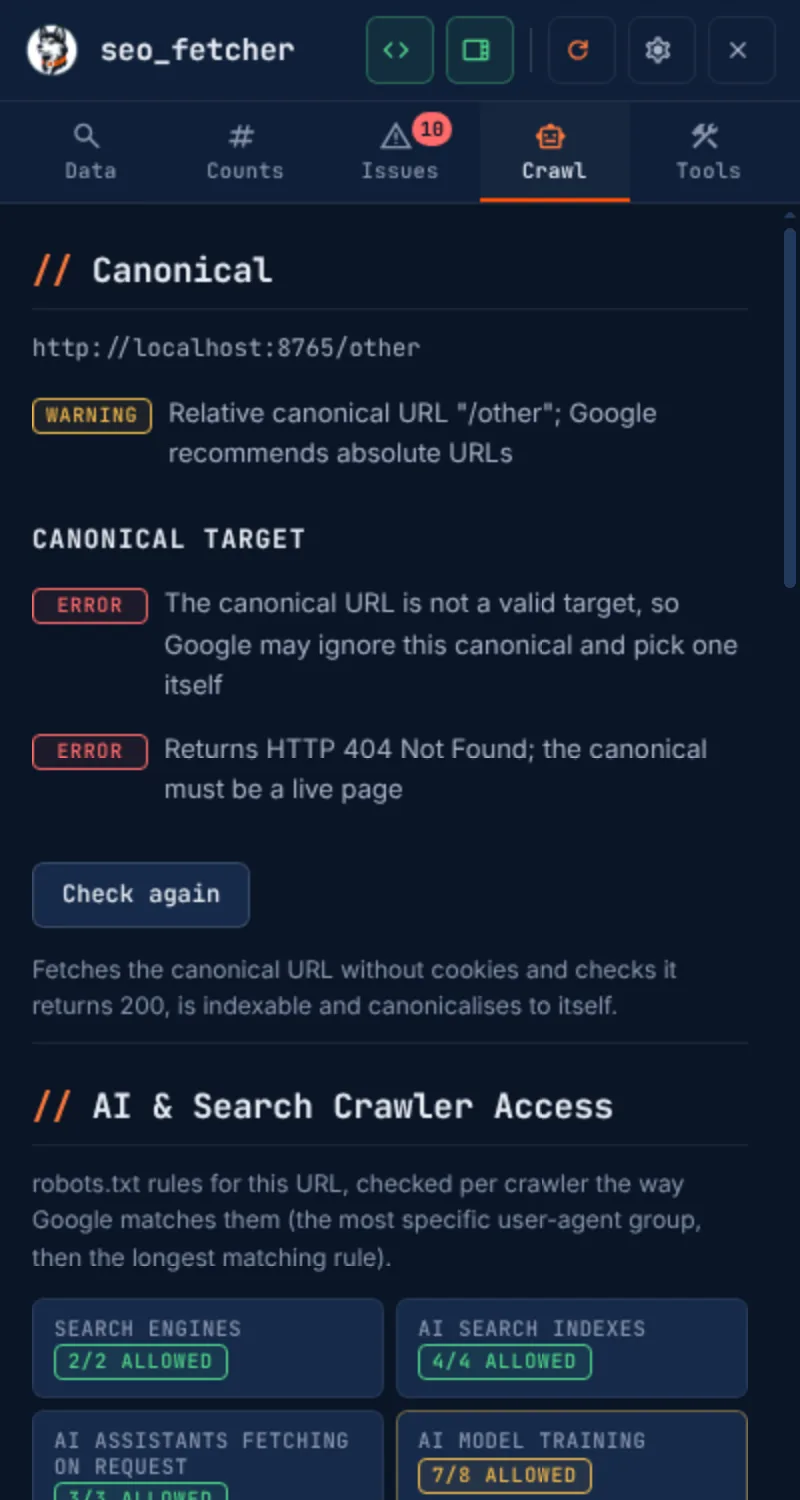
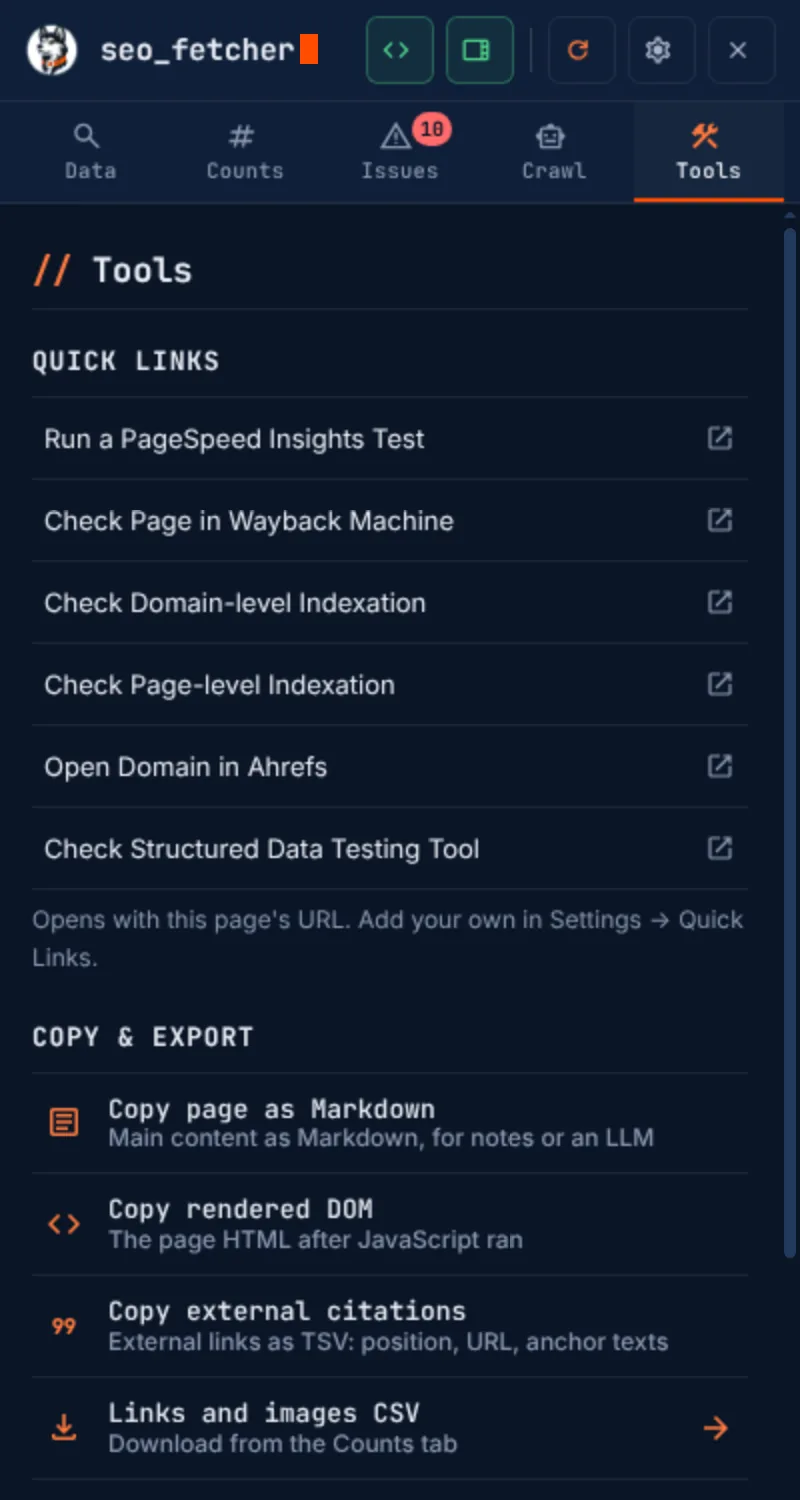
Background
I wanted the verdict first (can this page be indexed, and if not, why not) with the evidence one click away, in the same dark, code-editor look as the rest of my work.
As search changed, so did the checks: robots.txt access for AI crawlers, llms.txt validation, and a comparison of the server’s HTML with what JavaScript renders.
Under the hood
Plain JavaScript loaded directly by Chrome (Manifest V3), with no build step and no dependencies. The SEO rules (robots.txt matching, hreflang, canonicals, the issue checks) are pure functions with unit tests, separate from the browser code.
It opens in Chrome’s side panel by default, or as a floating panel or toolbar popup, and works in other Chromium browsers.
More projects
Daily puzzle
A daily logic puzzle: fill a 4×4 grid so every row and column matches its clue, in five guesses or fewer.
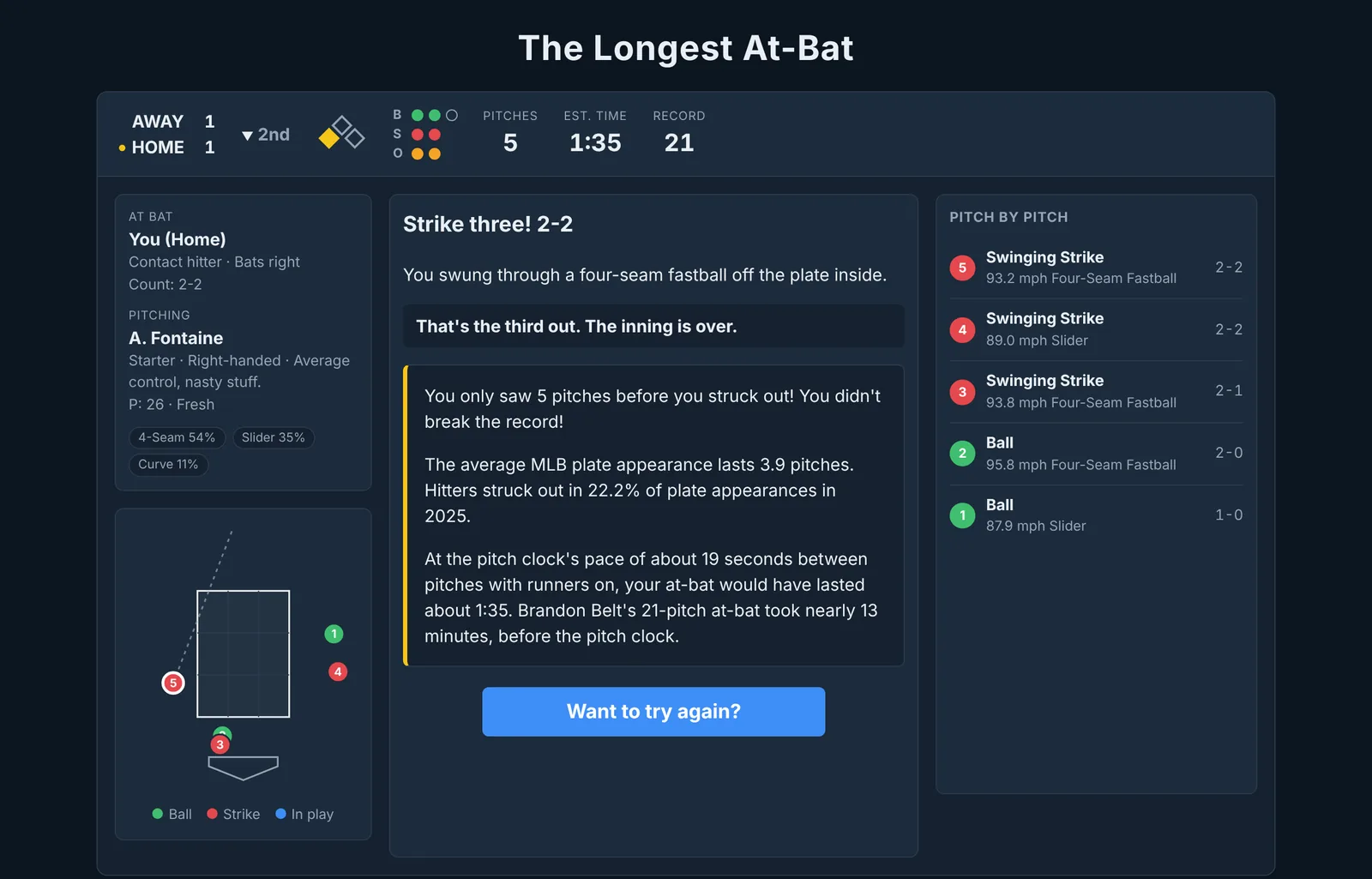
Baseball game
Can you beat Brandon Belt’s 21-pitch record? A pitch-by-pitch at-bat simulator built on 2025 MLB averages.
Personal web app
My private reading tracker: a journal for every book, finish-date estimates, a stats dashboard, and a spoiler-aware reading companion.