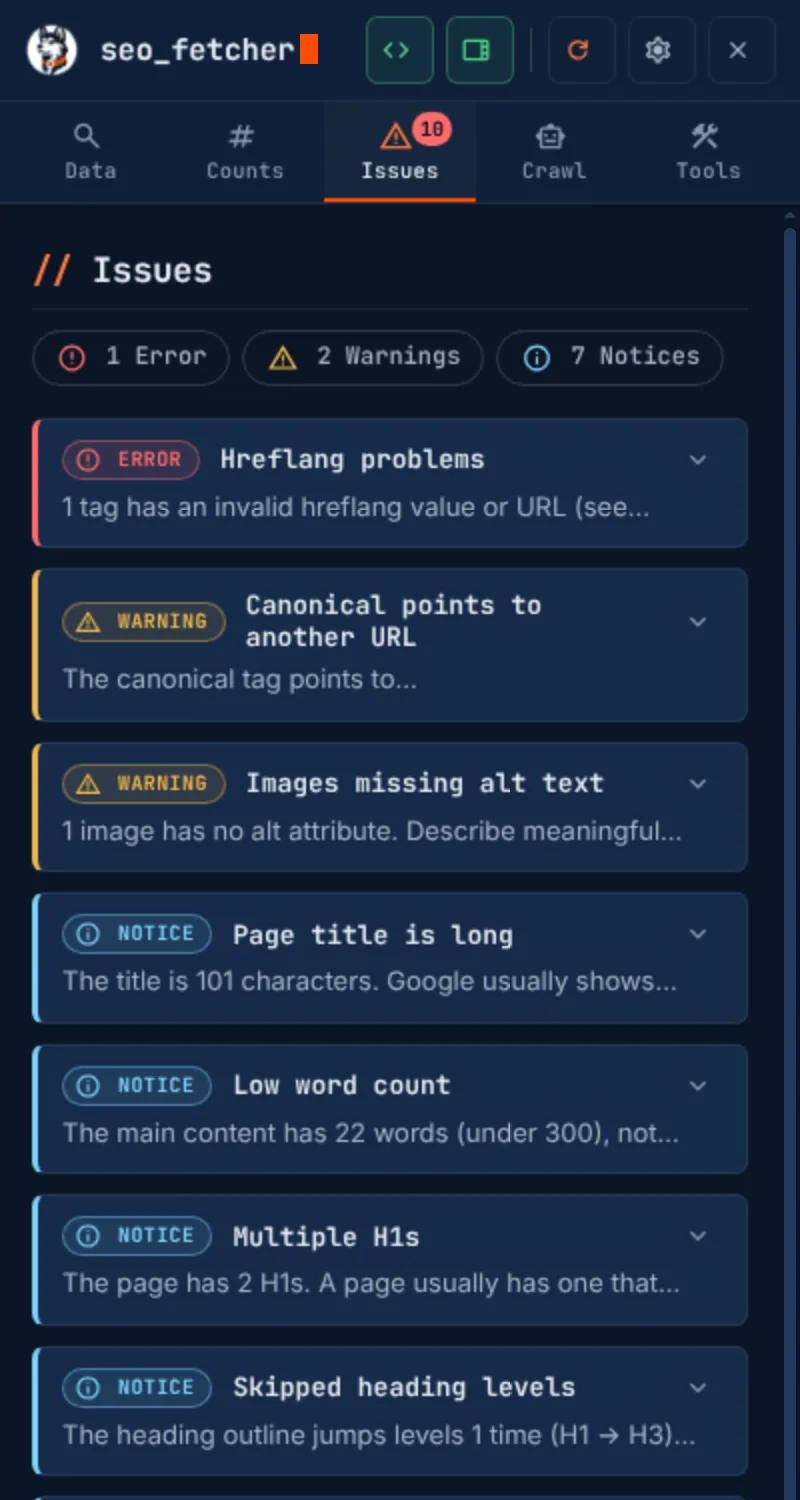
Chrome extension
SEO Fetcher
An on-page SEO inspector for Chrome: indexability, snippets, issues, and AI crawler access for the page you’re on.
My private reading tracker: a journal for every book, finish-date estimates, a stats dashboard, and a spoiler-aware reading companion.
What it is
Reading Log is the app I use to track what I read. Each book gets a page with its cover, progress and a journal of every session: pages read, how long it took, and any quotes or notes.
It lives at books.jdegbau.com. The library is mine alone, so visitors see a sign-in page; the picture here is an illustration of the Stats page.
At a glance
Reading Log
Features
Log a session in a few taps: pages, a built-in timer that survives a closed tab, and an optional quote. Each book takes its accent color from its cover.
Estimates come from the last two weeks of pace, rest days included, and from my own minutes per page by format.
Daily reading activity colored by book, with playback, plus streaks, reading speed, ratings by genre and mood, and a bookshelf of spines sized by length.
Export the activity chart as a 9:16 video or an image card, ready for a phone’s share sheet.
Reading goals with pace and history, a daily reminder, and a late-evening push when a streak is about to break.
An AI reading companion that only discusses the book up to the page I’m on, and suggests what to read next from my own ratings.
Background
I wanted to track reading, not just books: when I read, how fast, which books carried a month, and a realistic date I’ll finish.
It’s also where I practice what I write about on this blog: the Stats page is a working dashboard of my own data.
Under the hood
React, TypeScript, Tailwind and shadcn/ui on the front end, with Supabase for the database, sign-in, scheduled push reminders and the companion’s server function. The parts that do the math have tests: finish estimates, goals, streaks and the spoiler parser, which fails closed so a malformed reply never leaks a spoiler.
More projects
Chrome extension
An on-page SEO inspector for Chrome: indexability, snippets, issues, and AI crawler access for the page you’re on.
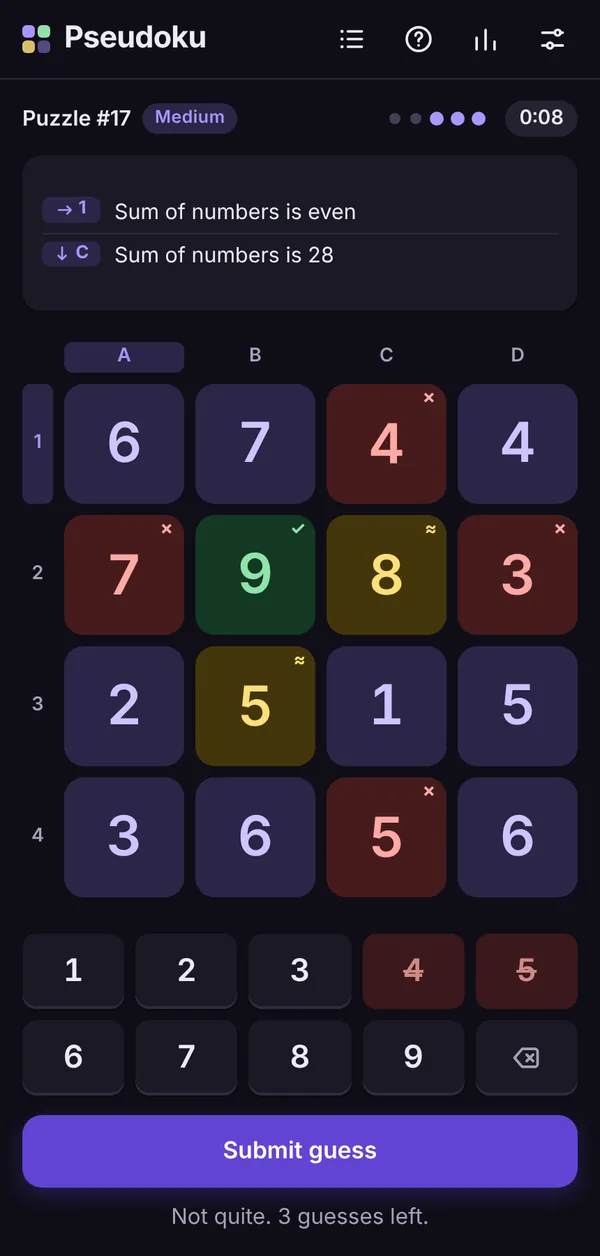
Daily puzzle
A daily logic puzzle: fill a 4×4 grid so every row and column matches its clue, in five guesses or fewer.
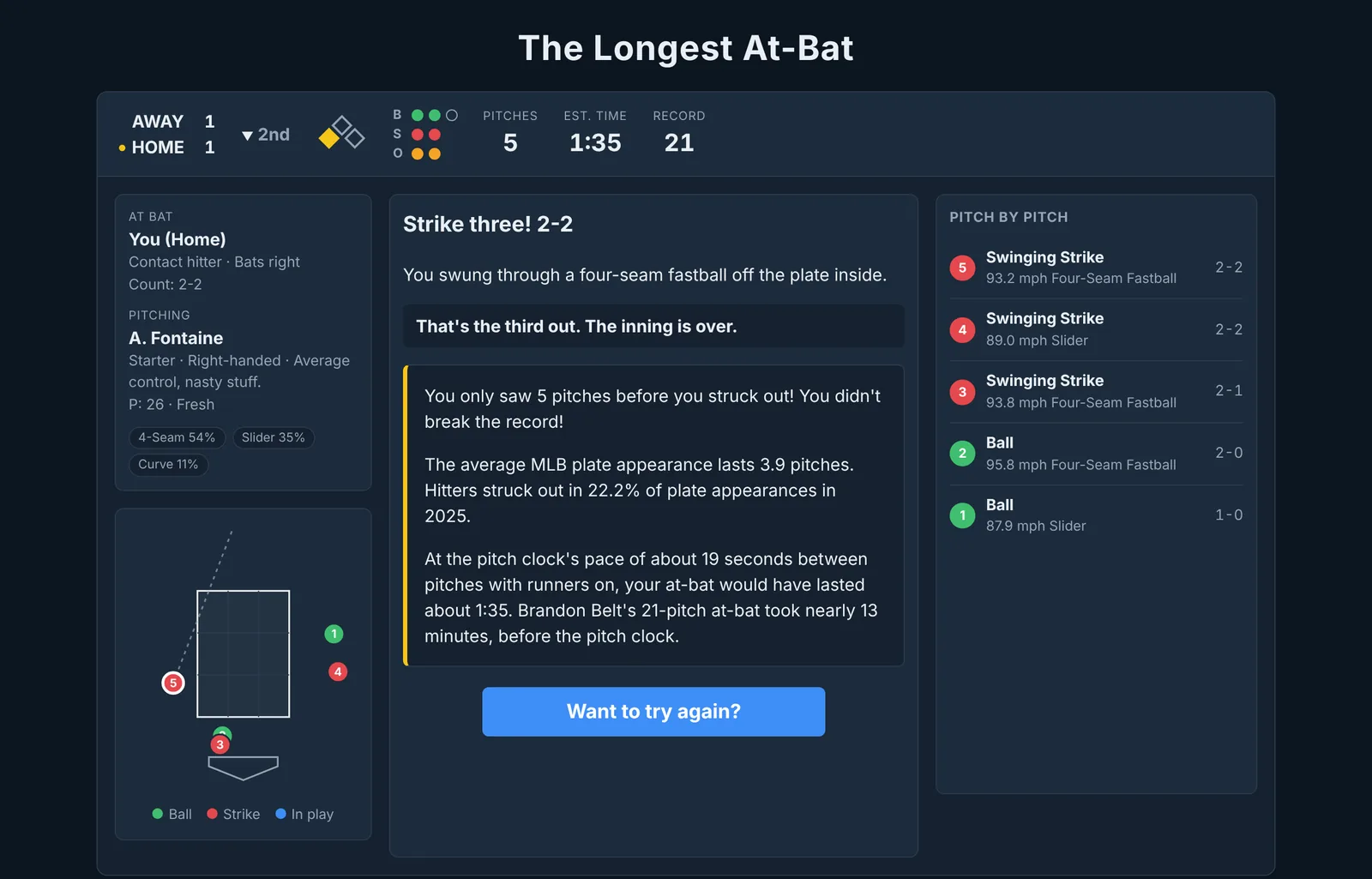
Baseball game
Can you beat Brandon Belt’s 21-pitch record? A pitch-by-pitch at-bat simulator built on 2025 MLB averages.